For counselors
Pathfinder vs Scoir vs Naviance after HS
By Pathfinder Editorial · Published · 4 min read
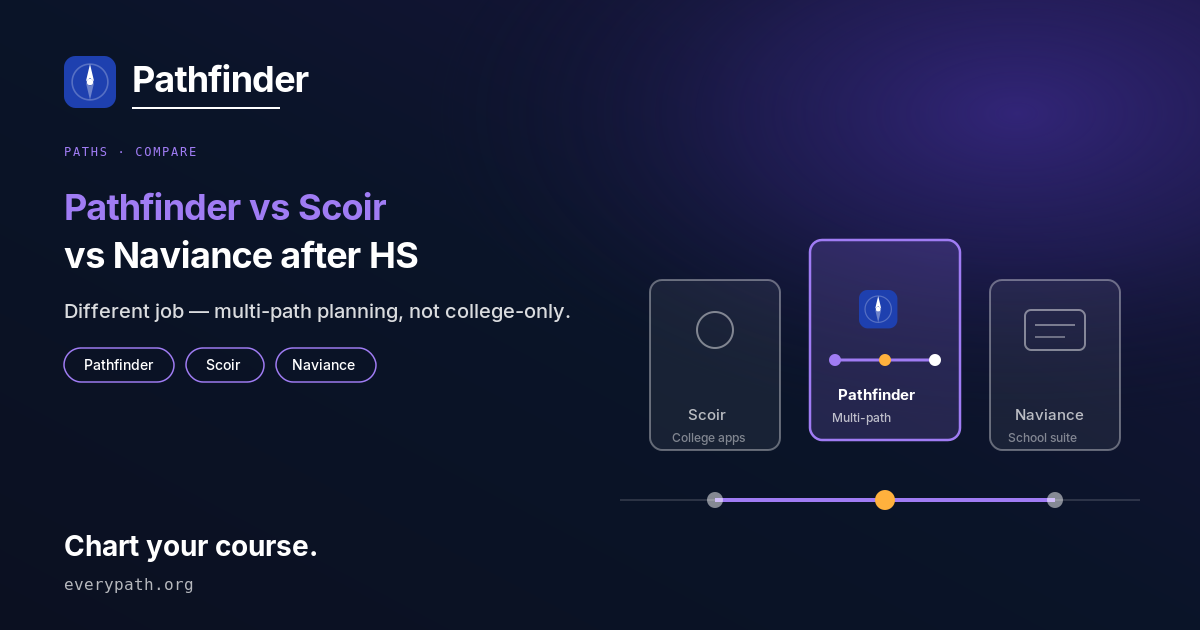
Short answer: Naviance is bought by schools, so you only get it if your school pays for it. Scoir is free for families and focused on college. Pathfinder is free to start and plans every route after high school, including apprenticeships, trade, community college, the military and a gap year. If your school sends transcripts through Naviance or Scoir, keep using it for that.
Which tool can you use if your school doesn't provide one?
Naviance is out, because PowerSchool sells it to schools and districts and families can't sign up on their own. Scoir lets students and parents create a free account even if their high school isn't on Scoir (Scoir pricing, as of 30 Oct 2026). Pathfinder is family-direct too: you create an account and start free, with no credit card (everypath.org, as of 30 Oct 2026).
What does each one actually do?
They do different jobs, and none of them is a straight swap for another.
- Naviance is a college, career and life readiness platform that the school runs. It includes PowerBuddy, an AI assistant that helps students explore colleges and careers and answers FAFSA, SAT and ACT questions (PowerSchool docs, as of 30 Oct 2026).
- Scoir is built around college: search, building a list, tracking applications and sharing documents with a counselor. Scoir describes "AI 2.0" features for balancing a college list and estimating acceptance likelihood (Scoir product updates, as of 29 Oct 2026).
- Pathfinder plans whichever route you're considering: apprenticeship, trade, a foundation year or community college, university, the military, certifications, straight to work or a gap year. You get a Plan B and one focus a week. Every claim is labelled grounded, modelled or advisory.
What can't Pathfinder do?
Pathfinder doesn't send transcripts or recommendation letters, and it has no school scattergrams (Naviance shows those for counselors and students when the school has the data — PowerSchool how-to, as of 30 Oct 2026). If your school uses Naviance or Scoir to send documents to colleges, you still need that tool. Pathfinder also won't give you admission odds. It doesn't print a deadline or a cost it can't source. When it doesn't know, it says so and tells you where to check.
How do they compare side by side?
| Pathfinder | Scoir | Naviance (PowerSchool) | |
|---|---|---|---|
| Access (family vs school) | Family-direct sign-up | Free self-signup for students and parents (Scoir pricing, as of 30 Oct 2026) | Through a school or district only |
| Cost to student | Free to start (free pilot), no card | $0 for students, parents and guardians (as of 30 Oct 2026) | No charge to students; the school pays. Price not published |
| Paths covered | Apprenticeship, trade, CC/foundation, university, military, certs, work, entrepreneurship, gap year | Mainly college | College and career; school-administered |
| AI features | AI counsellor (5 messages/day free), AI-generated plan, labelled claims | Scoir's "AI 2.0" list balancing and "acceptance likelihood" (their labels) | PowerBuddy for students and staff |
| Transcripts / recs | No | Document exchange with counselors | School staff send Common App materials via Naviance eDocs (PowerSchool, as of 30 Oct 2026) |
| Invents odds or deadlines? | Refuses to give odds; won't print unsourced deadlines or costs | Scoir labels this "acceptance likelihood" (their wording) | School scattergrams of past applicants (PowerSchool, as of 30 Oct 2026) |
| Data after graduation | Not stated on site; we'll update once confirmed | Not confirmed | Not confirmed on an official page |
Incumbent facts are from official Scoir and PowerSchool Customer Central pages accessed 29–30 Oct 2026. Check those pages for current details.
Who should use which?
If your school already runs Naviance or Scoir, use it for applications and documents. Your counselor sees it there. Families without a school platform who only want help with a college list can try Scoir's free account. If you're also thinking about an apprenticeship, a trade or a gap year, or you just haven't decided yet, Pathfinder is built for that. You can use it alongside either of the others.
For a look at every route side by side, start with all paths after high school.
Sources
- Scoir pricing for students and families — Scoir, accessed 2026-10-30
- Naviance PowerBuddy documentation — PowerSchool, accessed 2026-10-30
- Scoir product updates — Scoir, accessed 2026-10-29
- How to view scattergram in Naviance — PowerSchool, accessed 2026-10-30
- How to prepare and submit documents in Naviance — PowerSchool, accessed 2026-10-30
Chart your course
Pathfinder builds you a plan for whichever path you pick — or for “still deciding” — and labels every claim in it as grounded, modelled or advisory. It will not invent a deadline, a cost, or your chances of getting in.
Start free No credit card required.
Related reading
- How to choose a path after high school
How to choose a path after high school with a primary and an explicit backup — a sourced decision frame, not tip lists or invented odds.
- Straight to work after high school? Sourced guide
Going straight to work after high school: what it means, how it differs from college and apprenticeships, and how to plan a primary + backup.
- Is it okay not to go to college? Sourced answer
Yes — college is one path, not the only valid one. Enrollment data shows a large share of graduates do not enrol immediately. Plan a primary path and a backup.